

How It Works
How It Works

What to Expect
-
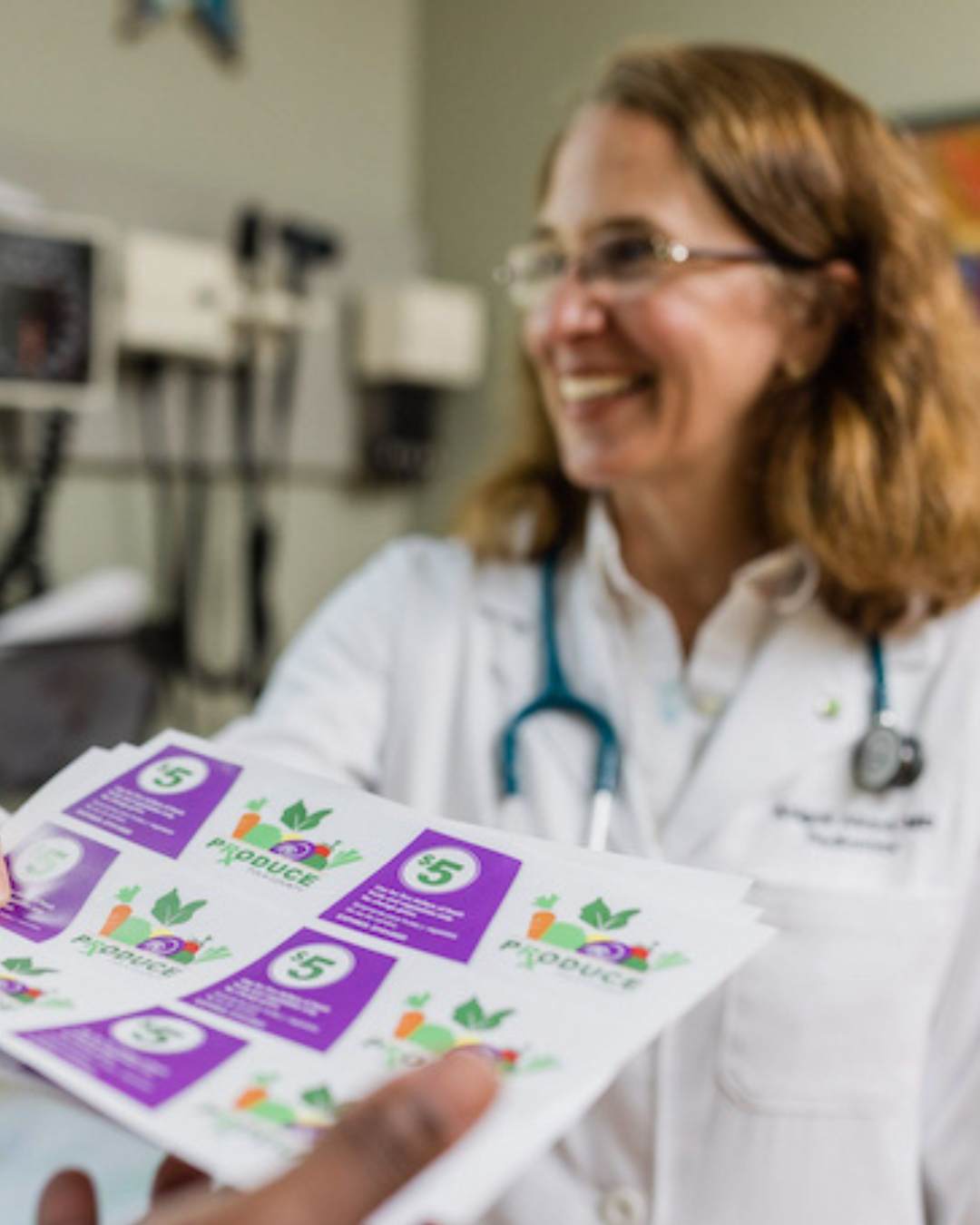
If eligible, your provider will refer you into the program by filling out a form.
You will receive a call or email from the program team to enroll. This includes filling out a brief (10 minute) survey over the phone or through an online link. Once completed, we will text a link to your smartphone to download the Iowa Fresh app.
-
After enrolling in the program, you will receive a link to download the Iowa Fresh smartphone app. Once downloaded onto your phone, you will watch a short introduction video to get familiar with the app and the program.
Logging In
After you click on the app icon to open Iowa Fresh on your smartphone, you will be asked to enter your phone number or your e-mail address (if you provided one).
Enter the password you created when you first registered for the app. For password help, call (508) 333-5458. For general App help, call (866)-259-2934.
Navigating the MyFeed Home Page
When you log in, you will be brought to the MyFeed home page. Here you can scroll through program announcements, reminders, and resources.
From this screen, click the MyEducation icon or MyLocation icon at the bottom of the screen to navigate to your educational videos or to see store locations.
-
Each month you will “learn & earn” by watching an educational video and answering a quick 5-question survey to receive your monthly Produce Prescription. The Produce Prescription dollars will automatically be added to the virtual wallet in your Iowa Fresh app after completing the education module. You will receive $30 per month for you and each household member to spend on produce.
Viewing your MyEducation videos
Click on the MyEducation icon at the bottom center of the screen. This is where you will watch a video and take a quick survey once a month to earn your prescription.
There may be more than one education video available at once. Remember, only submit the video survey if you are ready to earn for the month. Prescriptions expire after 30 days. Check back around the same time next month to learn & earn again!
-
Accessing your Virtual Wallet
Click on the upper right corner of the virtual Produce Prescription card at the top of the screen. This will bring you to your Virtual Wallet.
Here, you can see your prescription balance and a barcode to present to the cashier to spend your prescription.
Where to Spend
Click on the MyLocations icon at the bottom of the home screen. This will bring you to a map marked with participating store locations. Bring the store up in your phone’s navigation app by clicking the green arrow to the left of the store name.
Spend your digital Prescription dollars on fresh fruits and vegetables at participating grocery stores. Make sure you let the cashier know you will be spending your Produce Prescription during checkout.
Show the cashier the barcode in your virtual wallet to scan for payment. The cashier will confirm how much of your prescription you’d like to spend. There are no spending limits, just be aware of the existing balance in your wallet. Produce Prescriptions expire 30 days after they are loaded in your wallet.
Take An App Tour
What to Expect
Store Locations
Explore participating stores and markets or download a list of participating locations below.
More Resources
The Iowa Produce Prescription Program doesn’t stop when you spend your vouchers! View our library of educational content and supplemental resources to help you start healthy habits, make the most out of your fruits and veggies, and utilize other helpful programs.
The Iowa Produce Prescription Program doesn’t stop when you spend your vouchers! View our library of educational content and supplemental resources to help you start healthy habits, make the most out of your fruits and veggies, and utilize other helpful programs.
Contact Us!
Whether you have a question about the program, want to get involved, or just want to learn more about the program we would love to hear from you!